A real marketplace presence
Show your store, categories, catalog, offers, delivery information, and availability to nearby customers.

Fastwaka
Food, groceries & more
Fastwaka merchant partners
Get your restaurant, grocery, pharmacy, or shop ready for local orders. Our team helps with account setup and your first product listings, then guides you through verification. Assisted setup is free for eligible stores in our Las Piñas and Parañaque pilot.
Admin approval required
Location and module checked
Employees added later
Built for daily operations
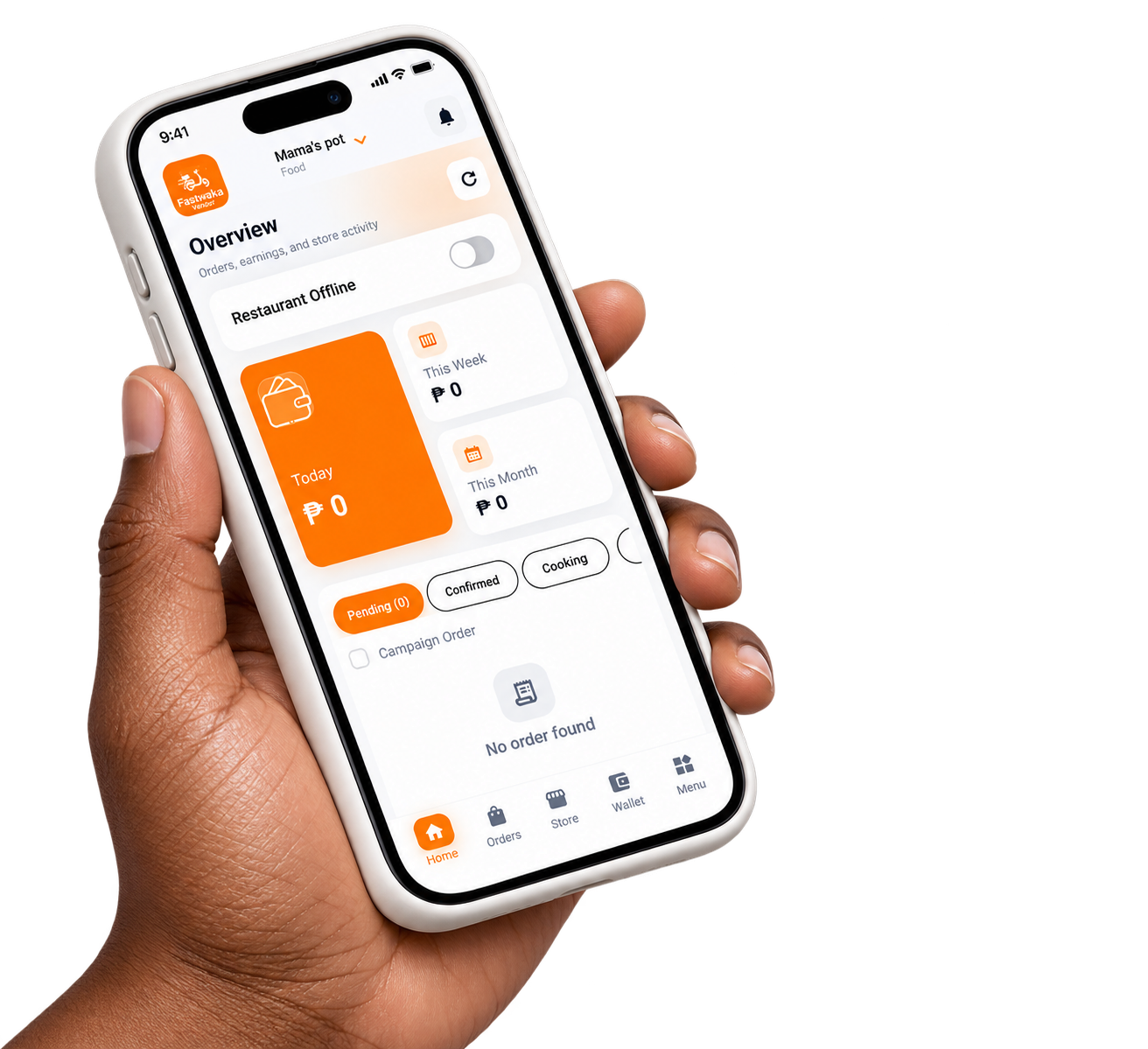
Approved partners get the operational workflow used by the Fastwaka Vendor app and panel, including catalog, order, delivery, employee, and payout tools.
Show your store, categories, catalog, offers, delivery information, and availability to nearby customers.
Receive orders, set preparation time, prepare products, and follow rider or customer handoff from one workflow.
Manage food menus or larger grocery, pharmacy, and retail catalogs, including supported bulk workflows.
Track order totals, payment status, commission or subscription details, and store disbursements.
Merchant onboarding
Account setup is handled through Fastwaka's assisted onboarding process. Business documents are submitted privately by the owner, and no store goes live before review.
Share your business type, location, owner contact details, and the help you need with the Fastwaka team.
Fastwaka guides the business owner through account access and the correct store setup process.
The owner signs in to the Verification Center and securely submits the required business documents.
Use the Vendor app or portal to complete the catalog, operating hours, team access, and order settings.
Merchant support
Contact our onboarding team for account guidance, logo and banner assistance, product preparation, and the next verification steps.
Owner and employee access
The verified owner controls the store. After approval, the owner creates roles and employee accounts for staff who need orders, catalog, POS, chat, or other permitted tools.
Completes verification and controls the business account.
Created by an approved owner with store-specific permissions.
Before onboarding